
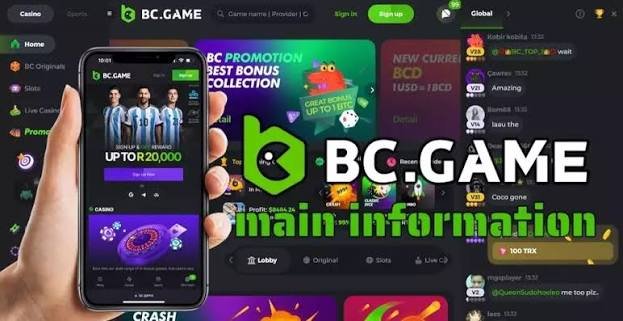
How to Register on BC.Game: A Step-by-Step Guide
If you’re looking to join the exciting world of online gaming on BC.Game, you’ve come to the right place. This platform has gained immense popularity for its wide variety of games, user-friendly interface, and generous rewards system. In this article, we’ll walk you through the registration process step by step, ensuring that you’re well-prepared to start your gaming journey. For more information on the registration process, you can visit BC.Game Registration Process https://bcgame-nigeria.com.ng/registration/.
Why Choose BC.Game?
Before diving into the registration process, let’s discuss why BC.Game is a chosen platform for many online gamers. BC.Game offers a diverse selection of games ranging from classic casino options to innovative blockchain-based games. The platform also provides impressive bonuses, promotions, and a rewarding loyalty program that keeps players engaged. Additionally, it features an immersive gaming environment with a simple and intuitive interface, making it suitable for both beginners and experienced players.
Getting Started: The Registration Process
The registration process on BC.Game is straightforward and can be completed in just a few minutes. Follow these steps to create your account:
Step 1: Visit the BC.Game Website
To begin your registration, navigate to the official BC.Game website. You can do this by entering the website URL in your browser. Once you’re on the homepage, look for the ‘Sign Up’ or ‘Register’ button, usually located at the top right corner of the page.
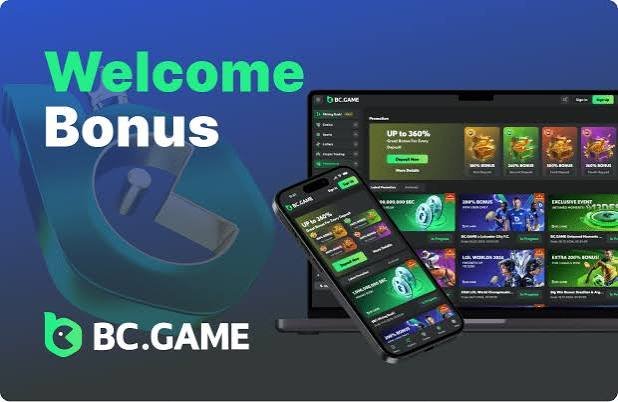
Step 2: Choose Your Registration Method
BC.Game offers multiple registration options for your convenience. You can choose to register using your email address, mobile number, or even through social media accounts such as Google or Telegram. Select the method that works best for you.
Step 3: Fill in the Required Information
Once you’ve chosen your registration method, you’ll need to provide some personal information. This typically includes:
- Your chosen username
- Your email address or mobile number
- A secure password
- Any promotional code, if applicable
Ensure that the details you provide are accurate to avoid any issues during account verification.
Step 4: Agree to the Terms and Conditions
Before proceeding, you’ll need to read and accept the terms and conditions of BC.Game. It’s essential to understand the rules and guidelines of the platform to ensure a smooth gaming experience. If you’re comfortable, check the box to indicate your agreement.
Step 5: Complete the Captcha
To ensure the security of your account, BC.Game requires you to complete a CAPTCHA. This step is crucial as it helps protect the platform from bots and unauthorized access. Follow the on-screen instructions to complete the CAPTCHA successfully.
Step 6: Verify Your Account
After completing the registration form and the CAPTCHA, you may receive a verification email or SMS. Follow the instructions in the message to verify your account. This step ensures that the contact information you provided is accurate, helping you recover your account if you forget your password.
Step 7: Make Your First Deposit
Once you’ve verified your account, it’s time to make your first deposit. BC.Game supports various cryptocurrencies and payment methods, so choose the one that suits you best. Follow the on-screen instructions to deposit funds into your account and get ready to explore the gaming options available to you.
Tips for a Successful Registration
Here are some tips to ensure a smooth registration process on BC.Game:
- Use a Strong Password: Create a secure password combining letters, numbers, and symbols to protect your account.
- Enable Two-Factor Authentication: For added security, consider enabling two-factor authentication on your account.
- Keep Your Information Updated: Regularly update your contact information to ensure you can recover your account if needed.
Conclusion
In summary, registering on BC.Game is a straightforward process that opens the door to a world of exciting gaming opportunities. By following the steps outlined in this guide, you can quickly create an account and begin your journey in the vibrant community of BC.Game. Remember to take advantage of the bonuses and promotions available to new players, and most importantly, have fun!
Happy gaming!